 Fountain+
 The Fountain+ Exporter For Google Docs™
Write your screenplay in Google Docs™ then export it to Final Draft, Fade In, PDF, or Fountain, without ever leaving the doc.
Export in Five Steps
Install the add-on once and every Google Doc you write in Fountain or Mangaplay is one click away from a screenplay export.
- Open Google Docs™
- Write in Fountain or Mangaplay
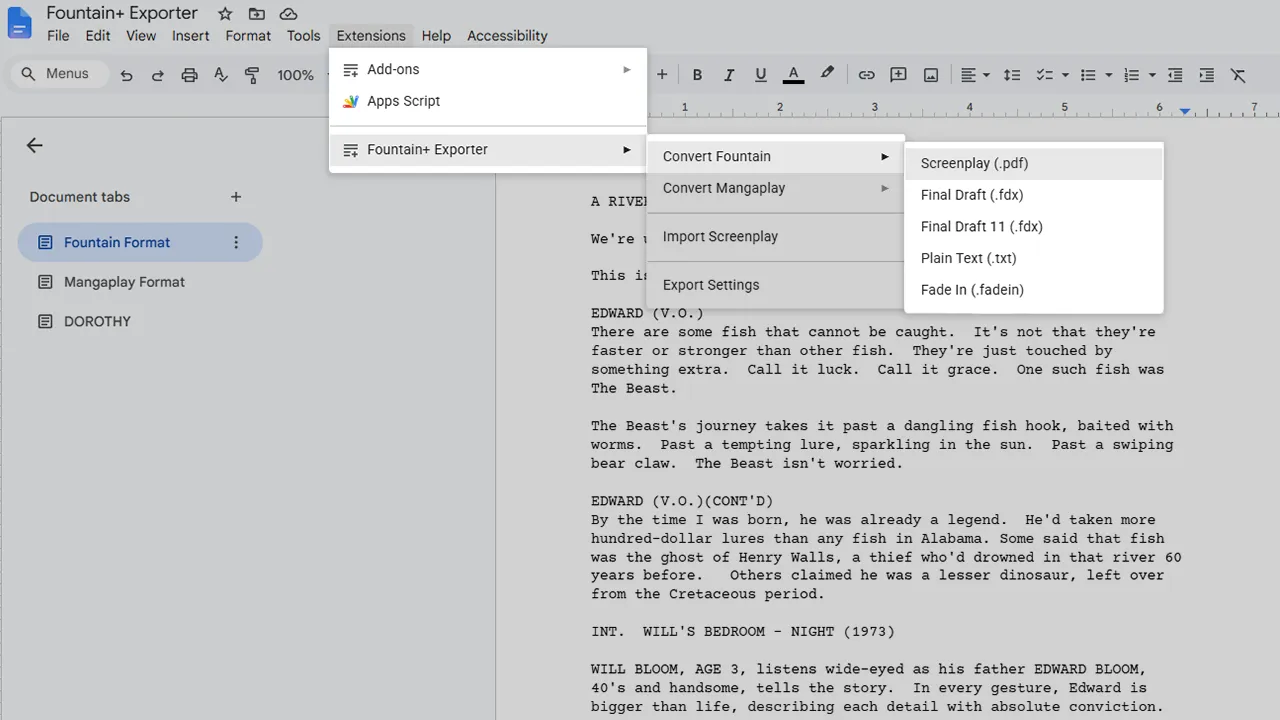
- Select Extensions
- Select Fountain+
- Press Convert
For Screenwriters Working in Google Docs
The Fountain+ Exporter for Google Docs is made for individuals who prefer to use Google Docs to get the job done, whether it's a personal choice or a collaborative effort.
The problem at hand is that we screenwriters using Docs are forced to write in the traditional screenplay format directly, and there are not many add-ons or extensions that assist in formatting well.
Fountain resolves most of that by its very nature. There are still a lot of gaps to fill when writing in the Fountain format, but at least with Fountain+ Exporter you can press a button and export to all the formats you need when you're ready to take your script elsewhere for any reason.
Convert to Other Formats
- Fountain to PDF: the industry-standard delivery format for producers, agents, and readers.
- Fountain to FDX: Final Draft's native format, the standard in writers' rooms.
- Fountain to Fade In: Fade In's native format, a cross-platform Final Draft alternative.
- PDF to Fountain: go the other way and turn a PDF back to Fountain.
Frequently Asked Questions
How Is Fountain+ Exporter Different From Fountainize, Screenplay Editor, or Fountain Tools?
The Fountain+ Exporter for Google Workspace is built on the same engine that powers the Fountain+ website, Fountain+ Studio, and Mangaplay. It converts your screenplays in the browser.
That means it uses the same Fountain syntax to produce real .fdx, .pdf, and other file formats that open cleanly in Final Draft and other applications.
Is It Paid or Free?
It's free. There are no page caps, no per-export limits, and the engine is actively maintained by Pistol Taeja.
Will It Work on Feature-Length Scripts?
Yes. There is no page limit and no element cap. Feature scripts, pilots, limited series, and full-length manga all export in a single click.
What Formats Does It Export To?
Final Draft (.fdx), Fade In (.fadein), Mangaplay (.mangaplay.md), Fountain (.fountain), industry-standard PDF, and plain text (.txt).
What Writers Say About the Fountain+ Exporter
- ★★★★★
Interesting little niche extension. If you want something simple that lets you export to screenplay formats with minimal fuss this is your extension.
- ★★★★★
It's pretty much Mangaplay's big brother. Makes things seamless.
- ★★★★☆
It's quite useful, but needs polishing.
Reviews from the Google Workspace Marketplace listing.
Comic Script Editor & Manga Storyboard Tool
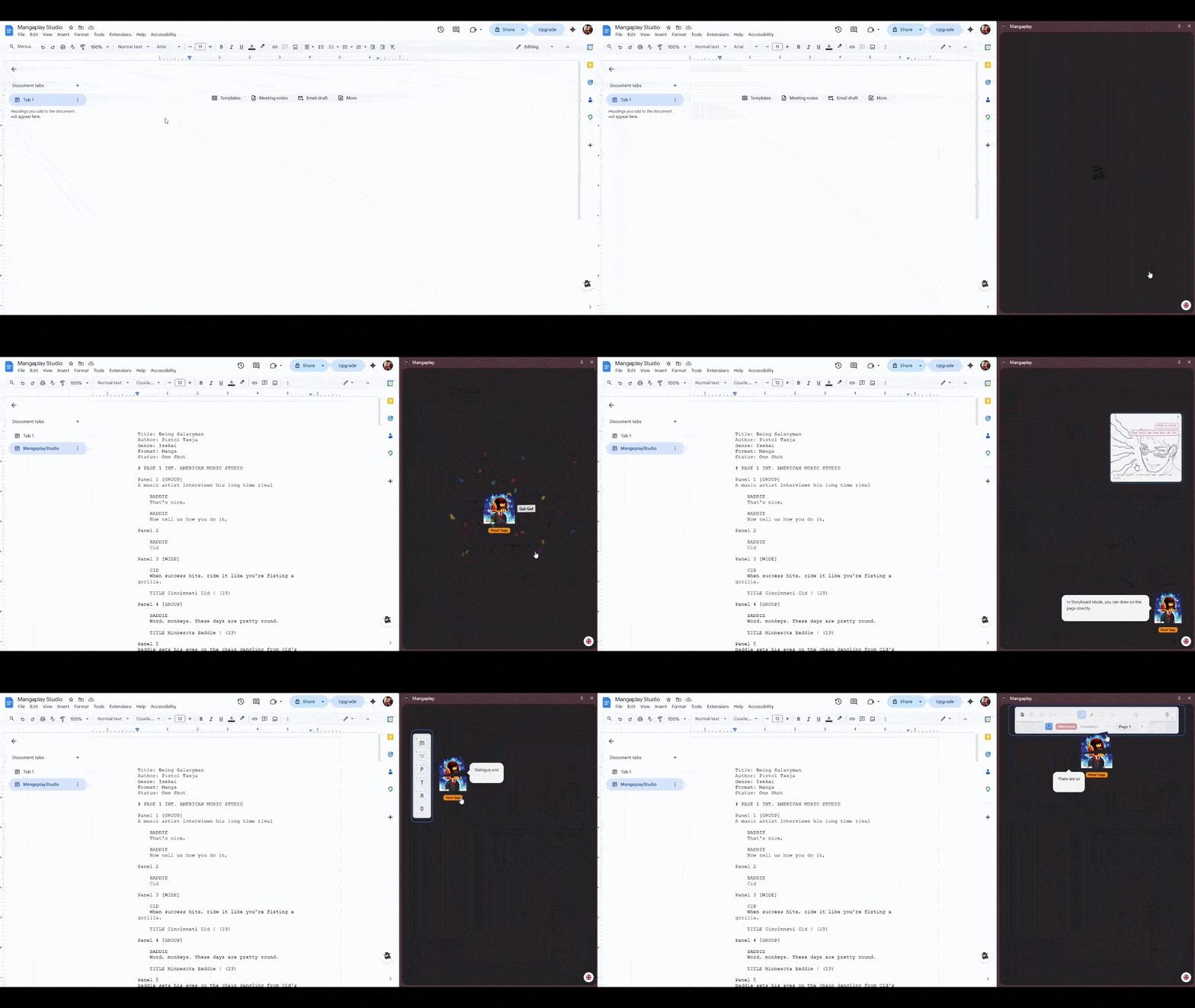
Write your comic script, manga script, webtoon, or graphic novel in plain text using the Mangaplay Format, a superset of Fountain. See the storyboard and comic panel layout in real time. Use Mangaplay Studio as a free Chrome extension for Google Docs, or as a standalone Web App.
 Pistol Taeja
 - Write your manga script in plain text and see the storyboard in real time
- Works in Google Docs or the standalone Web App
- No storyboard template needed. Panels render live from your script